
Invite Friends
Invite Friends lets an adult share a personal link and earn $1 when someone new creates a UP account through it. Each signup is reviewed for 30 days. Payouts start at $10.
How you get paid
- Share your link. A friend creates an account with it.
- That signup is reviewed for 30 days, then it counts as $1.
- Stripe pays out once you reach $10, to a bank account or USDC. You verify your identity before the first payout.
Where to find it
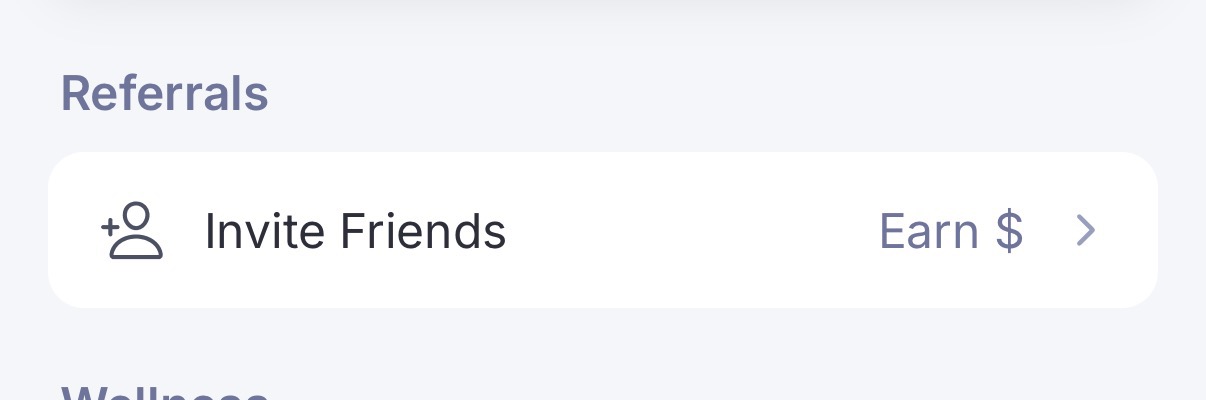
Open Settings. Under Referrals, tap Invite Friends. The row says Earn $.
Who can earn
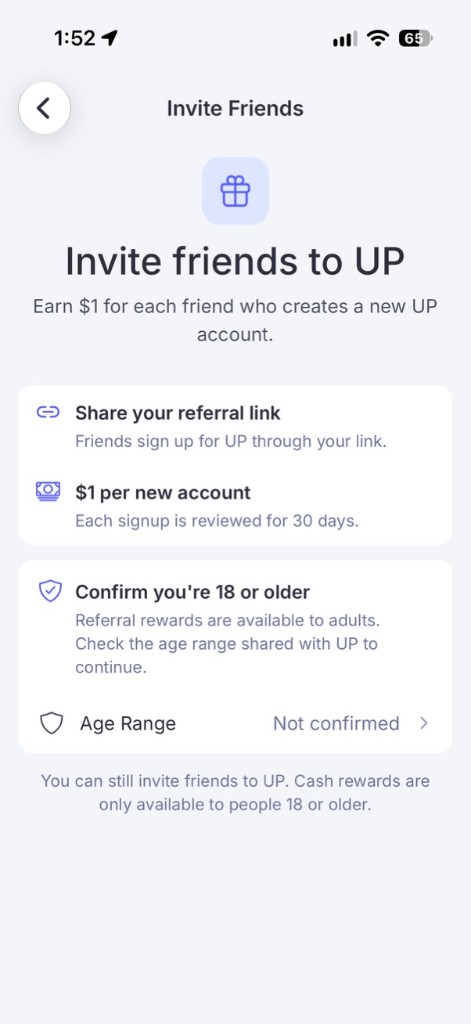
You need to be 18 or older, have an email on your account, and not be on a child account. If UP doesn't know your age yet, or you're under 18, you see the same screen: you can read the offer, and you can still invite friends. Cash rewards are for adults only.
An account with no email is asked to add one before joining. A child account can't join. It says referrals aren't available for that account type.
Confirming your age
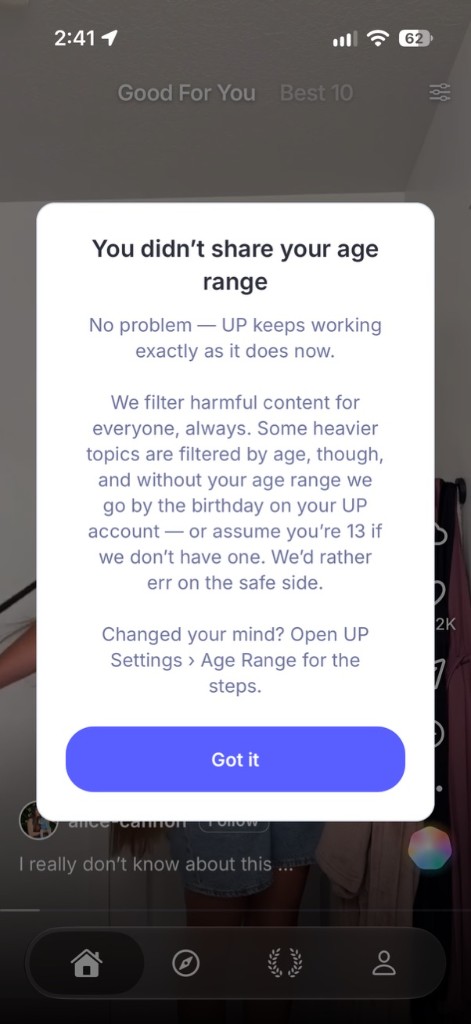
On that screen, the Age Range row is where you set your birthday. You can also share an age range from your iPhone. If you don't share it, Settings › Age Range shows the steps to change it later. UP can't ask again.
Joining
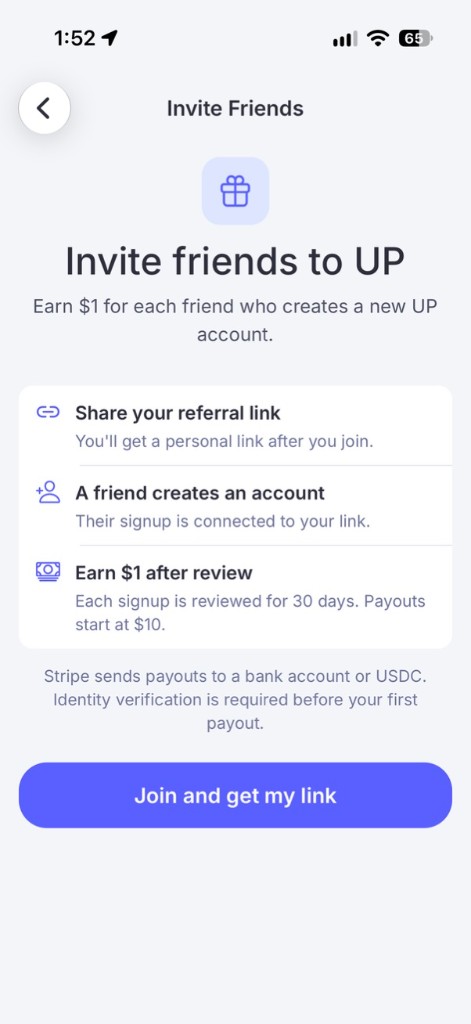
Once your age and email are set, Invite Friends is three steps and one button: share a link, a friend creates an account, earn $1 after review. Tap Join and get my link.
After you join
Your link is on the next screen, with Copy. View terms is in the corner. Each new account is $1.
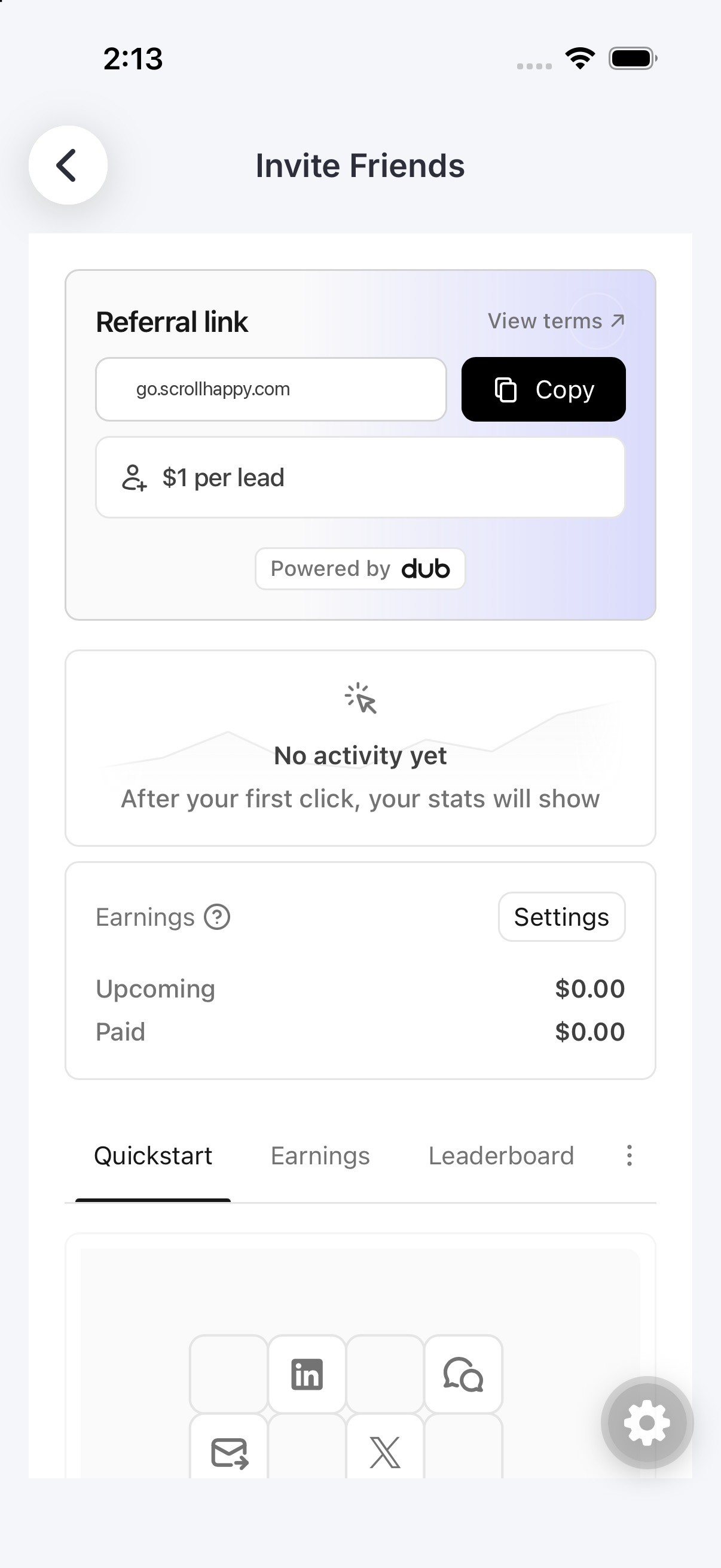
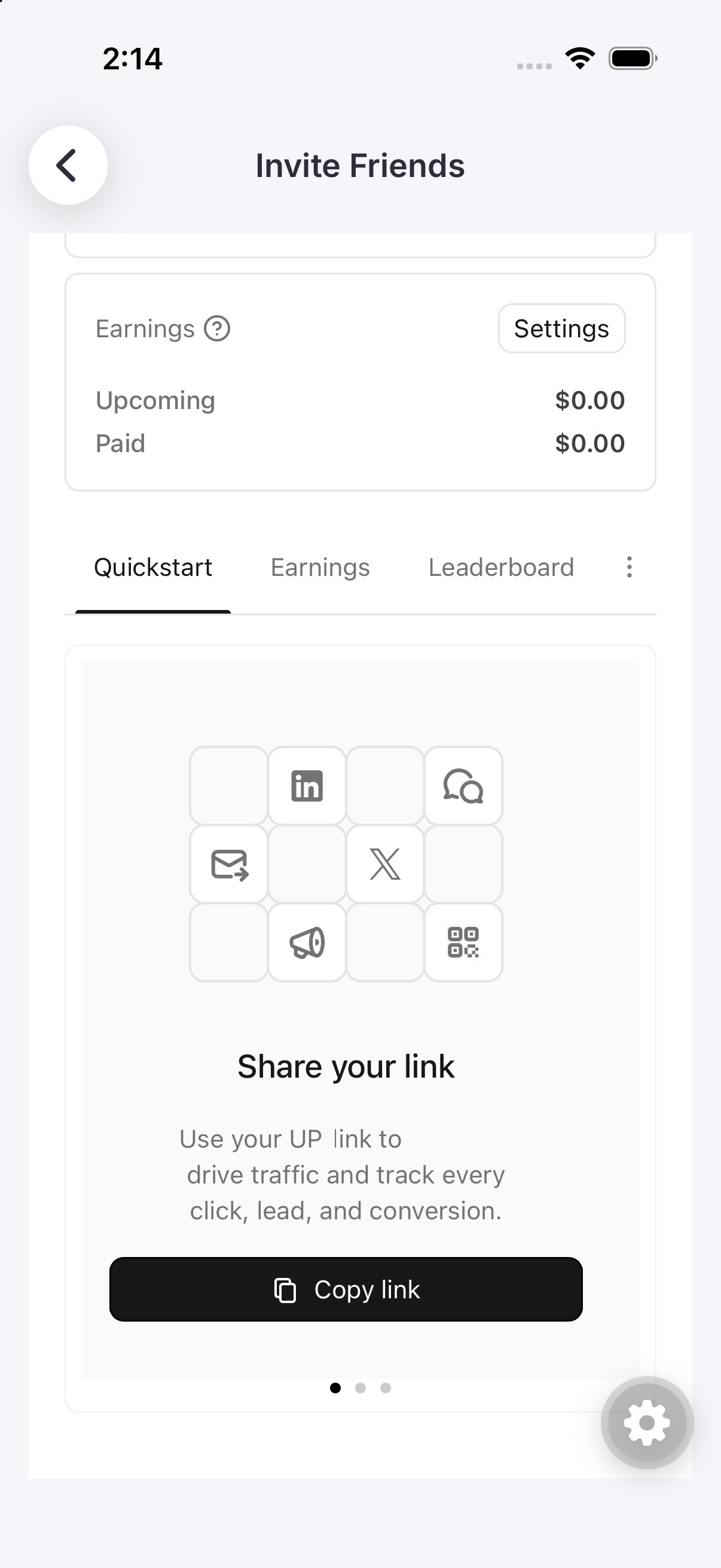
Quickstart is where you share that link.
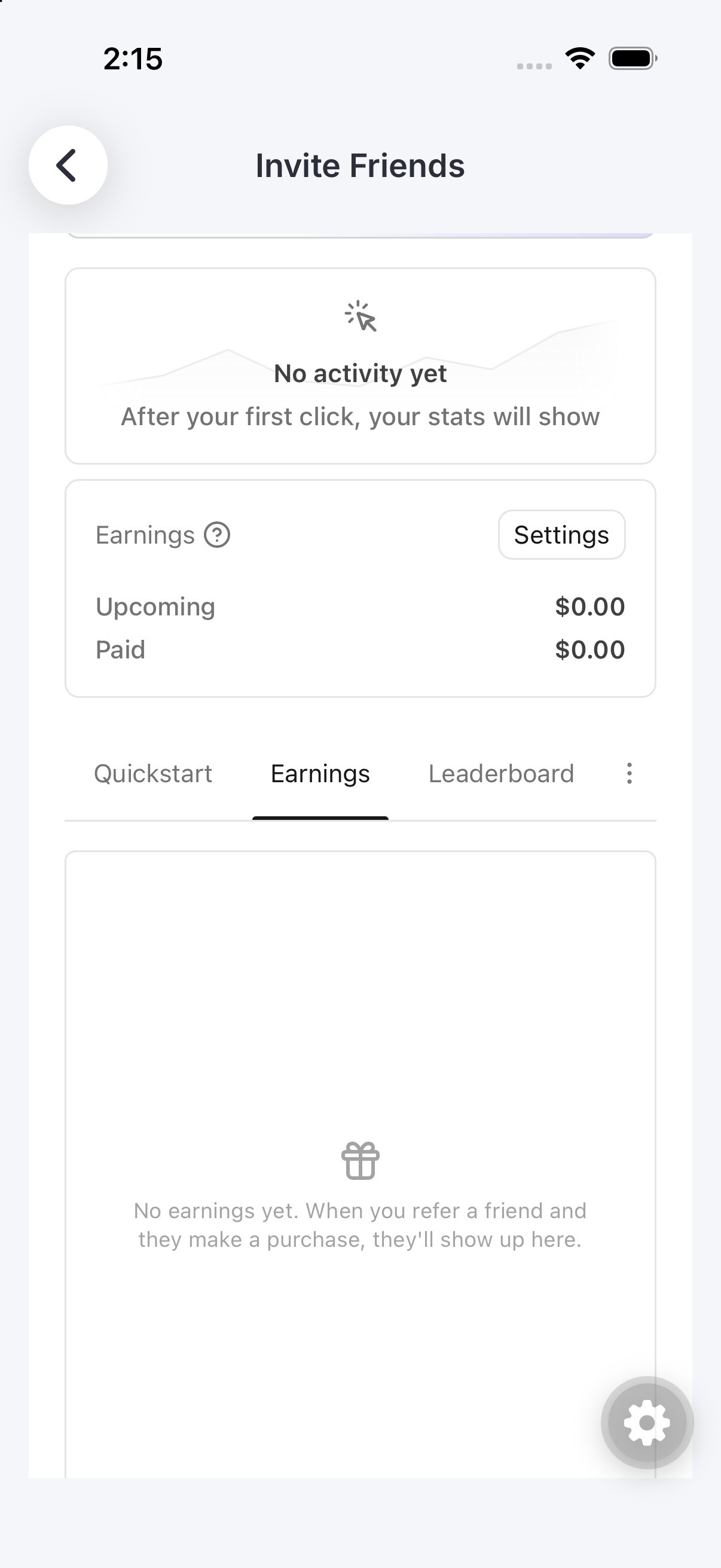
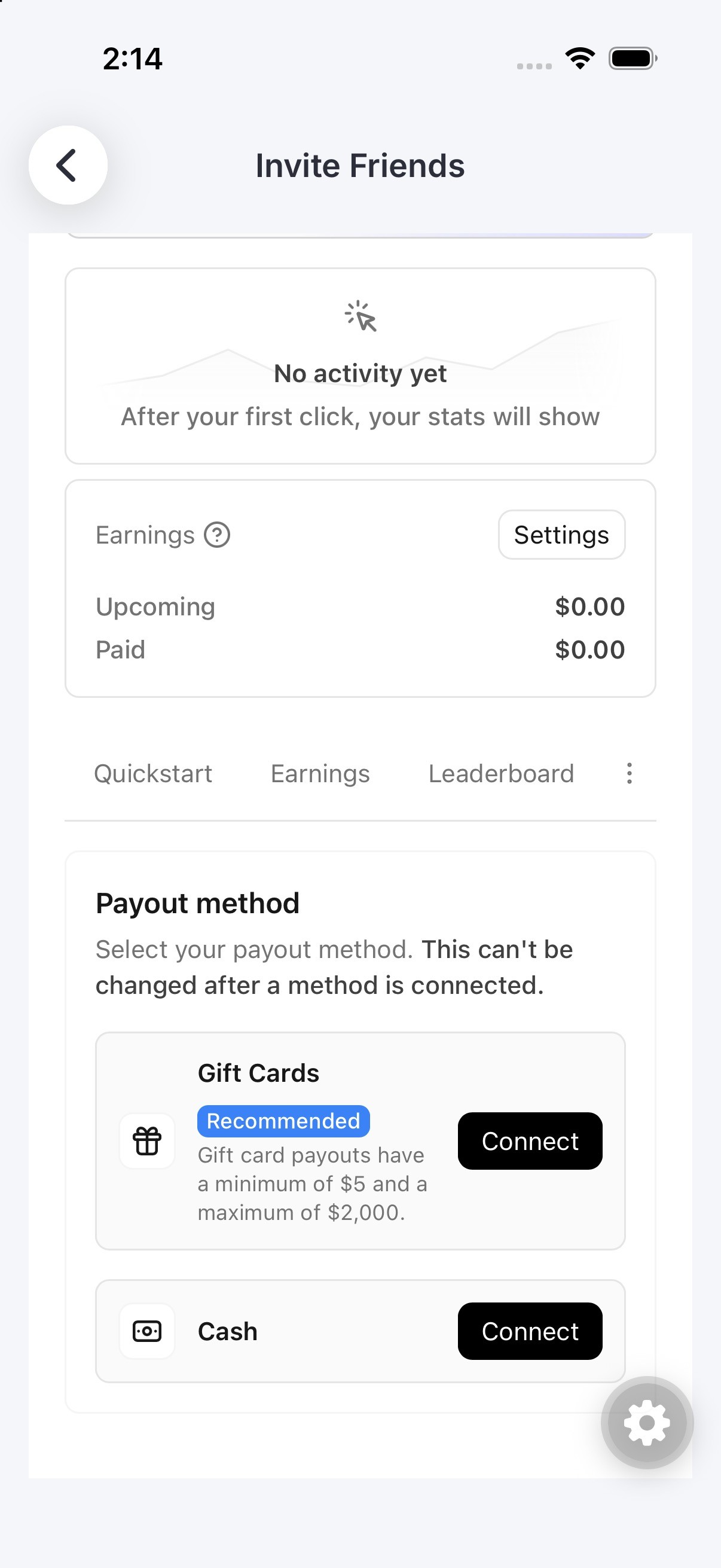
Earnings shows what is coming and what has been paid.
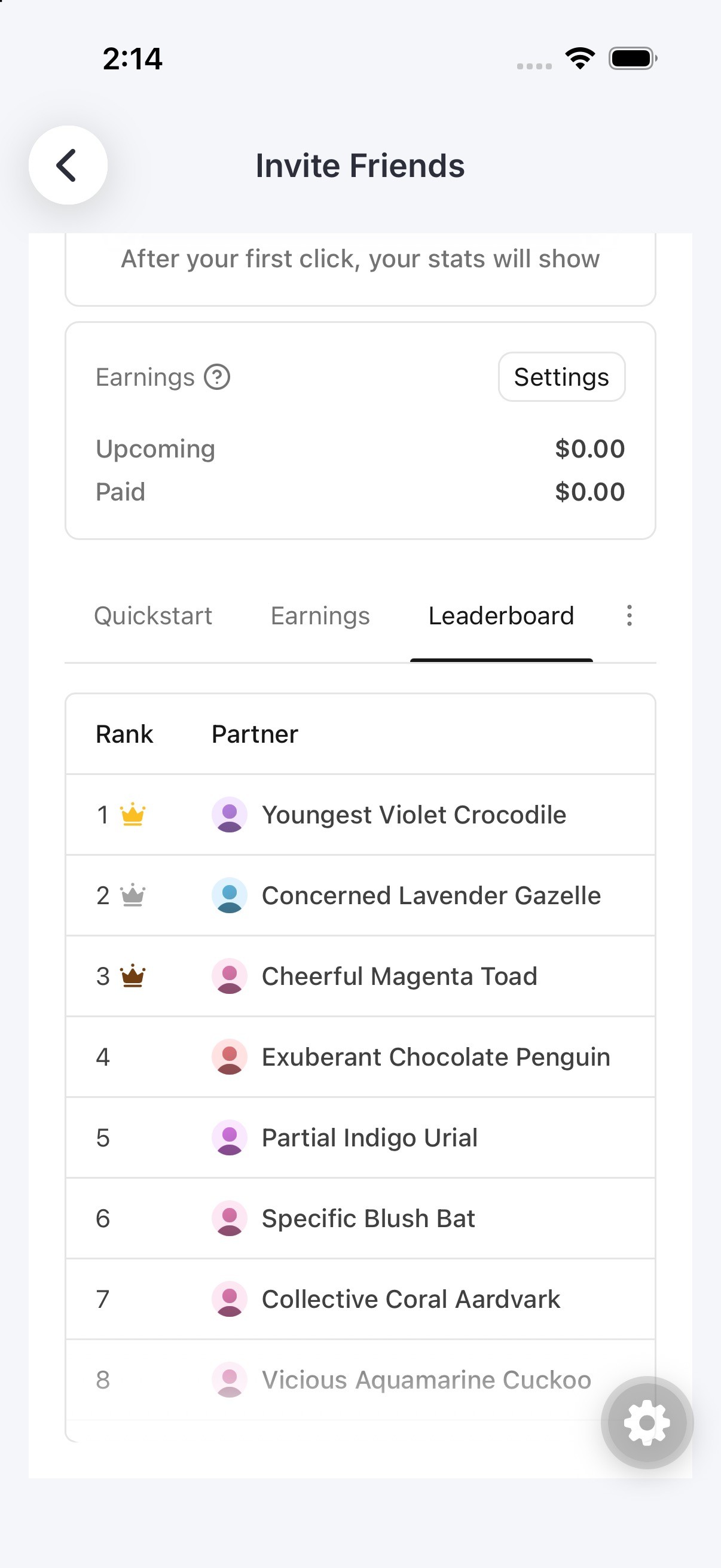
Leaderboard ranks people in the program.
Settings is where you choose how you get paid. Once a method is connected, it stays.
What a friend sees
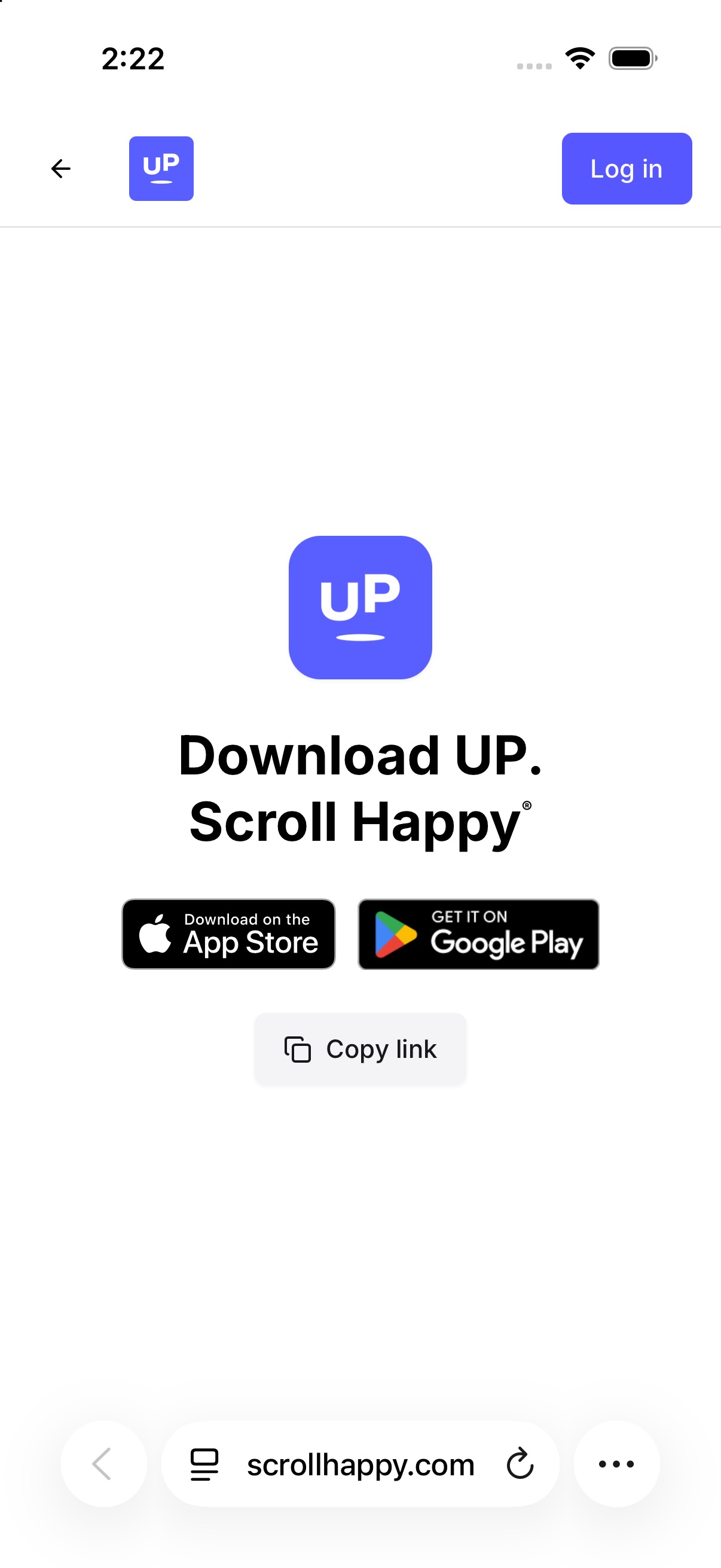
A friend opens your link and lands on the page to download UP. From there they get the app and create an account. That new account is what turns the click into a reward.
A signup counts when the new account is 13 or older, is not a child account, and the app was installed less than 24 hours earlier. You can't earn from your own link.
Last updated: 2026-10-29